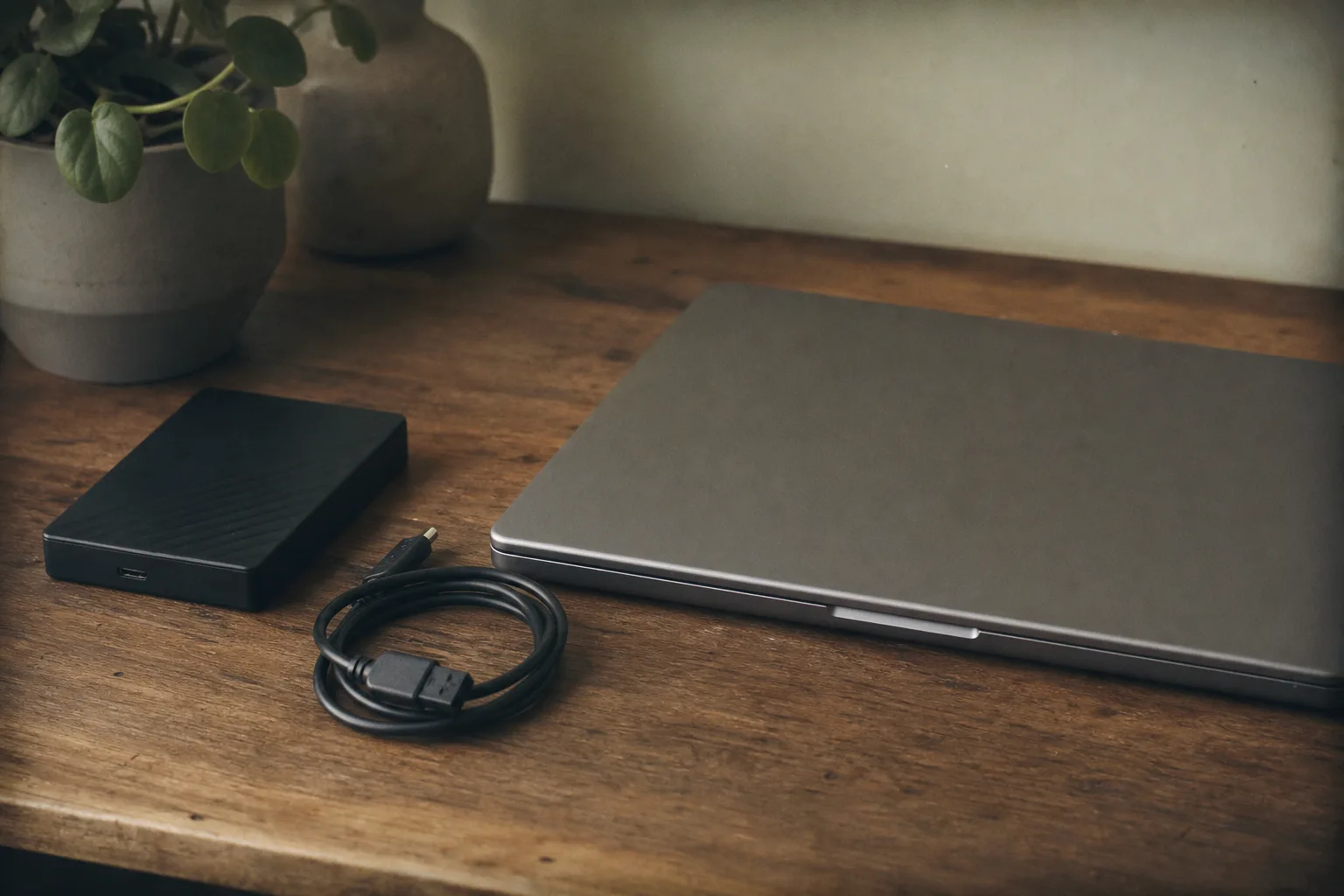
The comforting thing about a backup is that it is running, and the comforting thing is also the problem. A system that copies files on a schedule produces the same reassuring absence of news whether it is working perfectly or has not written anything since a software update in March, and almost nobody discovers the difference until the day a restore is needed. The failures are quiet by nature, they are a short and predictable list, and each one has a specific check that takes minutes.
The One That Stopped Months Ago
This is the most common failure by a wide margin, and it is almost always triggered by something ordinary: an operating system update that revoked a permission, a password change that the backup software still holds the old version of, a subscription that lapsed, or a drive that was unplugged for a weekend and never plugged back in. The software rarely shouts about it. It logs an error somewhere and continues to display an interface that looks broadly the same as it did when everything was fine.
The check is a single glance at the date of the most recent completed backup, which every system displays somewhere, and the discipline is to look at that date rather than at the green icon next to it. Anyone maintaining a backup for a household or a small office should know roughly what that date ought to say, because a figure that reads eleven weeks is obvious once you look and invisible until you do.
The One Backing Up the Wrong Things
A backup configured once, years ago, protects whatever the folder structure looked like at that moment. Since then the accounting files moved to a different drive, somebody started saving to the desktop, a second computer entered the household, and the phone became the only place several years of photographs actually live. The system continues to run flawlessly against a definition of important that went out of date some time in the intervening years, and it reports success every night while doing so.
The check runs the other way around from how people usually approach it. Rather than reviewing what is included, list what would genuinely hurt to lose, then confirm each item individually appears in the backup set. Tax records, photographs, the customer list, the years of email, anything scanned rather than originally digital. That list is usually shorter than expected and the gaps in it are usually obvious the moment somebody writes it down.
The One That Lives in the Same Room
An external drive sitting beside the computer it protects is a real backup against the failure modes it was bought for, which are drive failure, accidental deletion, and file corruption. It is no backup at all against the fire, the flood, the burst pipe upstairs, or the burglary that takes both objects together, because a single event reaches both copies. The same applies to a second drive in the same building and, to a lesser degree, to a network drive in a closet.
The answer is a copy that is somewhere else, which in practice means either a cloud service or a drive that physically leaves the building on a rotation. A drive kept at a relative’s house and swapped monthly is unglamorous and entirely adequate. What matters is that no single event can reach every copy, and that the offsite copy is recent enough that losing everything since it was made would be an inconvenience rather than a catastrophe.
The One That Is Syncing Rather Than Backing Up
File sync services are excellent and they are not backups, and the difference only becomes visible under exactly the circumstances people rely on them for. Sync propagates whatever happens to a file, so a deletion syncs, an encryption by ransomware syncs, and a document corrupted by a failing application syncs, generally within seconds and to every device. The copy in the cloud faithfully reflects the damage. Most sync services do retain previous versions for some window, commonly thirty days, and that retention is what makes them usable as partial protection rather than none, so the check is to learn what the window is on your plan and how to reach it before you need it.
The One Nobody Can Open
The last category covers everything that goes wrong between the copy and the recovery. An encrypted backup whose key exists only in the memory of somebody who left the business. A proprietary archive format that requires the software that wrote it, on a version that no longer runs. A restore that technically works but would take four days over a domestic connection to pull down two terabytes, when the business needed the customer file by Tuesday morning.
Every one of these is found by the same test, which is why it is the only test genuinely worth scheduling. Pick one folder, choose a version from a month ago rather than yesterday, restore it somewhere harmless, and open a file from it. That single exercise checks the date, the coverage, the credentials, the format, and the speed all at once, and an afternoon spent on it once a year is the difference between owning a backup and owning the belief that you have one.