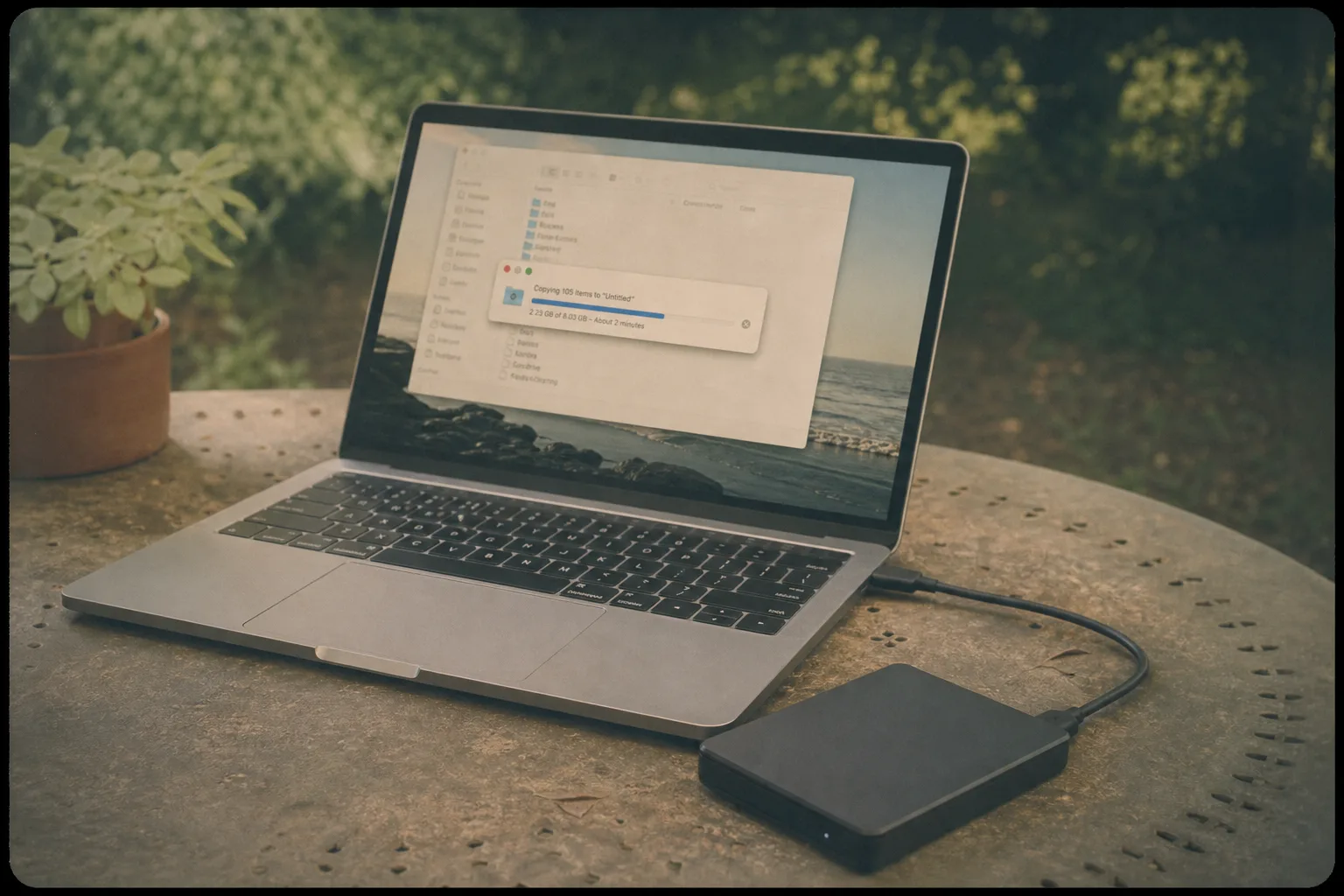
A small firm loses a server on a Tuesday and discovers on Wednesday that the backup has been running successfully for two years and cannot be restored. The software reported success every night, the drive filled up in a way consistent with real data being written, and nobody ever asked it for anything back. This is the ordinary shape of a backup failure, and the reason it keeps happening is that a backup is tested from the wrong end: everybody watches the copy and nobody watches the return.
Why Restoring Is the Only Real Test
A backup process reports on whether it completed, which is a statement about the job rather than about the result. It cannot tell you whether the credentials still work when the machine that holds them is gone, whether the archive format can be opened by anything you still own, whether the encryption key exists outside somebody’s memory, or whether the restore would take four days over a connection built for browsing. Every one of those failures is invisible from the backup side and obvious from the restore side.
The other thing a restore tests is the human part, which is usually the weakest. Somebody has to know where the backups are, which account holds them, how to reach the interface, and what to do with what comes out. A household or a firm where exactly one person knows any of that has a backup with a single point of failure that no amount of redundancy in the storage addresses.
The Drill, Step by Step
Pick a folder that matters and is not enormous, something like a quarter of accounting files or a client project. Choose a version from about a month ago rather than yesterday, because yesterday’s copy proves the least and a month ago exercises the retention. Restore it to a new location rather than over the original, so nothing is at risk and the two can be compared. Then open several files from it, including at least one of each type.
Time the whole thing and write down what it took, since the duration is data. A folder that takes ninety minutes to retrieve implies a full restore measured in days, which is a planning fact rather than a failure. Note anything you had to look up, anybody you had to ask, and any password that was not where it should have been, because those are the parts that will be missing on the day the drill is not a drill.
What the Drill Usually Finds
The most common finding is that the retention is shorter than assumed, so the copy from a month ago does not exist and the oldest available version is eleven days old. The second is that something important is not in the backup set at all, typically because it moved to a different folder or a different machine at some point. The third is a credential problem: an account nobody can access, a two factor prompt going to a former employee’s phone, a license that lapsed.
The fourth is speed, and it is the one that changes plans. A business that discovers a full restore would take three days has learned something important about how it would actually operate during those three days, and the answer is usually a second local copy for speed alongside the offsite copy for safety. None of these findings are dramatic and all of them are fatal at the wrong moment, which is precisely why finding them on a quiet afternoon is worth the afternoon.
The Phone Is a Separate Drill
Phones hold a large share of what a household would genuinely mourn, and phone backup is where the assumption of safety is strongest and least examined. The drill is different: check that the backup is actually running and how recent it is, confirm whether photographs are being backed up or merely synced, and verify that you know the account credentials for the service holding them without looking at the phone itself. That last condition is the one that catches people, because the credentials for the account protecting the phone are frequently stored on the phone. A household that cannot sign in to the photo service from a borrowed laptop has a backup it cannot reach in the exact circumstance the backup exists for, and testing it takes about five minutes on somebody else’s computer.
The Shape Worth Aiming At, and When to Run It Again
The field has converged on keeping a file in triplicate, with the copies split across storage that fails in different ways and at least one of them kept off the property, and it is not complicated to achieve at household scale. A working computer, an external drive, and a cloud service satisfies it. What the drill adds is the confirmation that the third copy is real, which is the copy that matters in a fire and the copy least likely to have ever been opened.
Run it once a year, and run it again after anything that changes the arrangement: a new computer, a new phone, a change of backup software, a person leaving, a service migrating to a new plan. Put the date in a calendar with a note of where the instructions live, and write down what the last drill found. An afternoon a year is the difference between owning a backup and owning the belief that you have one, and the two look identical until the Tuesday that separates them.